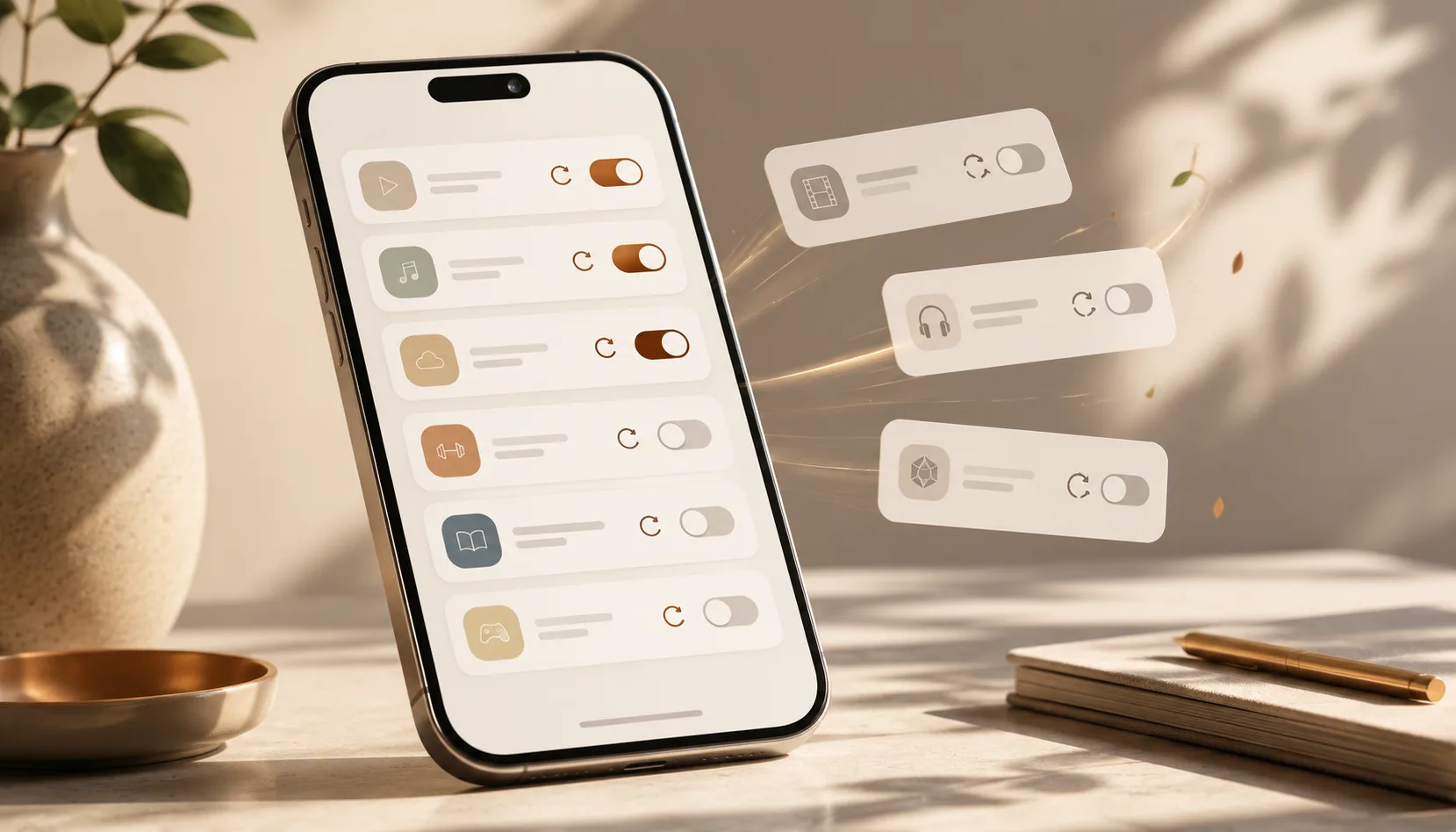
Those small monthly charges barely register on their own — until you add them up. Here's how to track down the subscriptions you've forgotten about and cut the ones you don't need, without the hassle.
How do I find subscriptions I've forgotten about?
The fastest way: pull up the last three months of your bank and card statements and flag every recurring charge. Same name, same amount, same day every month — that's a subscription. Most people go through this exercise and find at least one or two where they think, "wait, I'm still paying for that?" Then ask yourself one simple question: did I actually use this in the last month? If the answer is no, it goes on the cancellation list.
This isn't about being cheap. Subscriptions look harmless on their own — $4.99 here, $9.99 there, "just" $2.99 somewhere else. But five of them sitting side by side can easily run you hundreds of dollars a year, all leaving your account without ever really catching your eye.
Why we stop noticing
The subscription business model is built on exactly this: set it up once, then forget it. A few reasons it works so well:
- Auto-renewal. You sign up consciously the first time; after that, the charges just keep coming.
- The free trial trap. You tell yourself "14 days free," forget to cancel, and on day 15 you're billed.
- Small-amount bias. Your brain files a $5 charge under "irrelevant" — but five of those a month is $25, and over a year that's $300.
- Fragmentation. One comes off your credit card, one off your phone bill, one through the app store. They live in different places, so the total never shows up anywhere.
Get everything into one list
You can't manage what you can't see. Check three places:
- Bank and card statements — last three months, recurring charges only.
- Your phone's subscription settings — on iPhone: Settings → your name → Subscriptions; on Android: Play Store → Payments & subscriptions. Most app subscriptions are buried here.
- Search your inbox for "renewal" or "receipt" — searching words like "subscription," "renewed," or "receipt" will surface things you've long since forgotten.
Write it all down in one place: name, amount, renewal date, last time you actually used it. Once you have that list, the decisions more or less make themselves.
Sort everything into three buckets
Once you have your list, run each subscription through a simple filter:
- Keep. You use it regularly and it's worth the money. Leave it alone.
- Downgrade or switch. You use it, but you're on a higher tier than you need — or an annual plan would save you money. Pay less for the same thing.
- Cancel. You haven't opened it in a month or two. Let it go.
For most people, the real savings don't come from the cancel bucket alone — they come from the downgrade bucket too. You don't have to give anything up; you just move to the right plan.
Getting past the cancellation friction
Some services make canceling deliberately painful — hidden buttons, multiple "are you sure?" screens, the works. A few things that help:
- If you can't find the cancel option, just search "[service name] cancel subscription" — the official steps are usually the first result.
- For app subscriptions, cancel through your phone's subscription settings (App Store or Play Store), not within the app itself — it's one tap and it works every time.
- After canceling, save the confirmation email. If no charge appears on your next statement, you're done.
- If they say "your access continues until [date]," make a note — you've already paid for it, so you might as well use it until then.
Keeping it from piling up again
Canceling is a one-time fix; the real goal is making sure you don't end up in the same spot six months from now. Two habits are all you need:
- Set a reminder whenever you start a free trial. The day you sign up, put a reminder on your phone for one day before the trial ends. If you want to keep it, do nothing. If you don't, cancel that day.
- Five minutes, once a month. Glance at your recurring charges. Anything new? Anything you've stopped using? Catch it while it's small.
How the right tool makes this easier
All of this comes down to one thing: being able to clearly see your recurring payments. You can do it manually with bank statements — most people manage a month or two before they stop.
That's where the NevaPlan Budget Planner comes in. It automatically categorizes your spending, and the subscription tracker puts every recurring payment on a single screen: how much, when it renews, and what you're spending monthly and annually in total. You also get a heads-up as renewal dates approach, so there are no more surprise charges. It's a one-time purchase, not a subscription; there's a free plan to get started; and your financial data is yours — it's never sold.
If you want to look at overspending from a wider angle, the article on how to stop overspending connects directly to this — forgotten subscriptions are one of the most common "silent leaks" it covers.
Frequently Asked Questions
What's the fastest way to find subscriptions I've forgotten about? Flag recurring charges in the last three months of your card statements, then check your phone's subscription settings — that's where app subscriptions hide. Together, those two steps catch almost everything.
Does canceling stop the charge immediately? Usually your access continues until the end of the current billing period (you've already paid for it), and it simply doesn't renew after that. Save the confirmation email; if no charge shows up on your next statement, you're all set.
How do I protect myself from free trial subscriptions? The day you start the trial, set a reminder for one day before it ends. If you want to keep it, ignore the reminder. If you don't, cancel that day.
Which subscriptions should I actually cut? Anything you haven't used in the past month or two. If you use it but find it expensive, don't cancel — just downgrade to a lower tier or switch to annual billing.
Do small individual charges really matter? They do. Five $5-a-month charges is $300 a year. Each one feels trivial; together they're not. The whole point is seeing the total rather than the individual lines.
What's the most practical way to stay on top of this? Use a budgeting tool that shows all your recurring payments in one view, and spend five minutes with it once a month. New charges and unused subscriptions are easy to spot when they're all in the same place.
Keep Reading
All articles →


Ready to put this into practice?
NevaPlan's Budget Planner turns this into a working, organized plan — everything in one place. One-time purchase, no subscription.
Budgeting & money calculators
Accurate, instant calculators with no signup. A glimpse of what NevaPlan does — keep your numbers, get the full planner free.
Debt Payoff Calculator
Compare the snowball and avalanche methods side-by-side. See your debt-free date and exactly how much interest each strategy saves.
Open calculator50/30/20 Budget Calculator
Split your take-home pay into needs, wants and savings — then adjust every category to see how your real budget compares to the 50/30/20 rule.
Open calculatorSavings Goal Calculator
Saving for more than one thing? Add every goal, give each a target and a date, and see exactly how much to set aside each month for all of them.
Open calculatorNet Worth Calculator
Add up what you own, subtract what you owe, and see your net worth — the single clearest snapshot of your financial health.
Open calculator